Authorization to Release Form Instructions
STEP 1:
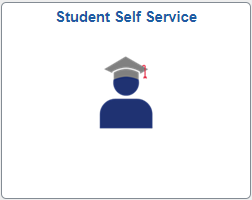
Sign into your Fresno State account and select “Student Self Service.”
STEP 2:
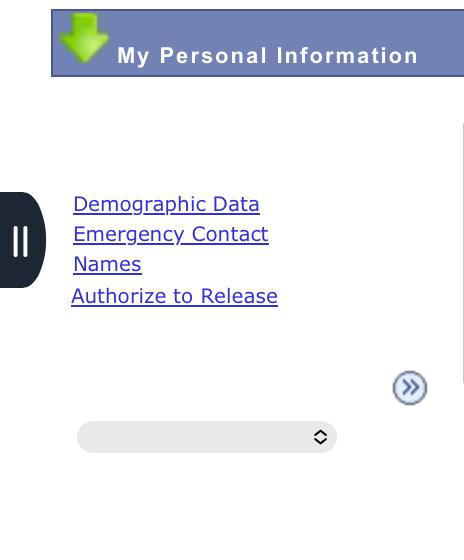
The Authorize to Release link will display under the “My Personal Information” section.
STEP 3:
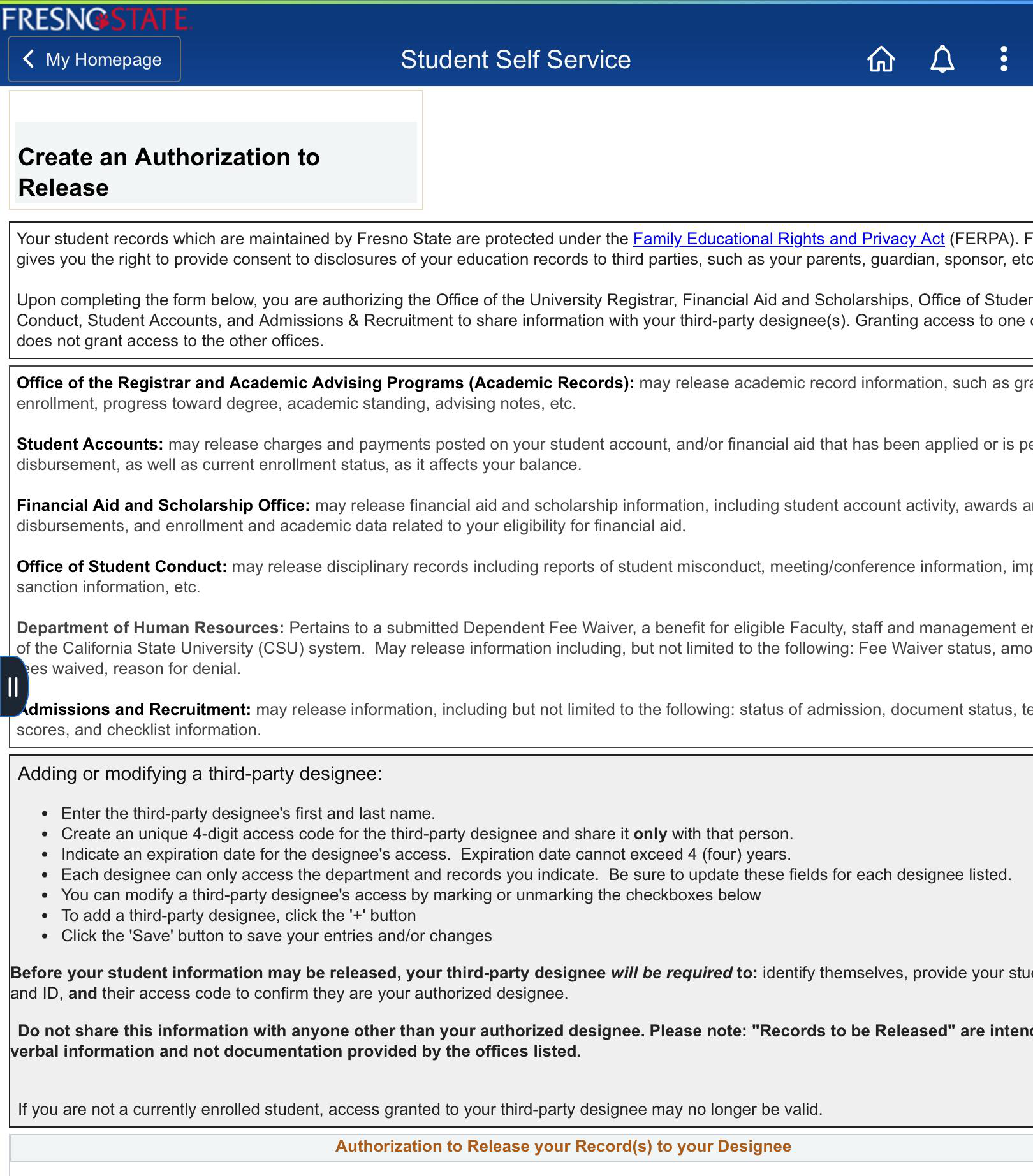
Create an Authorization to Release.
STEP 5:
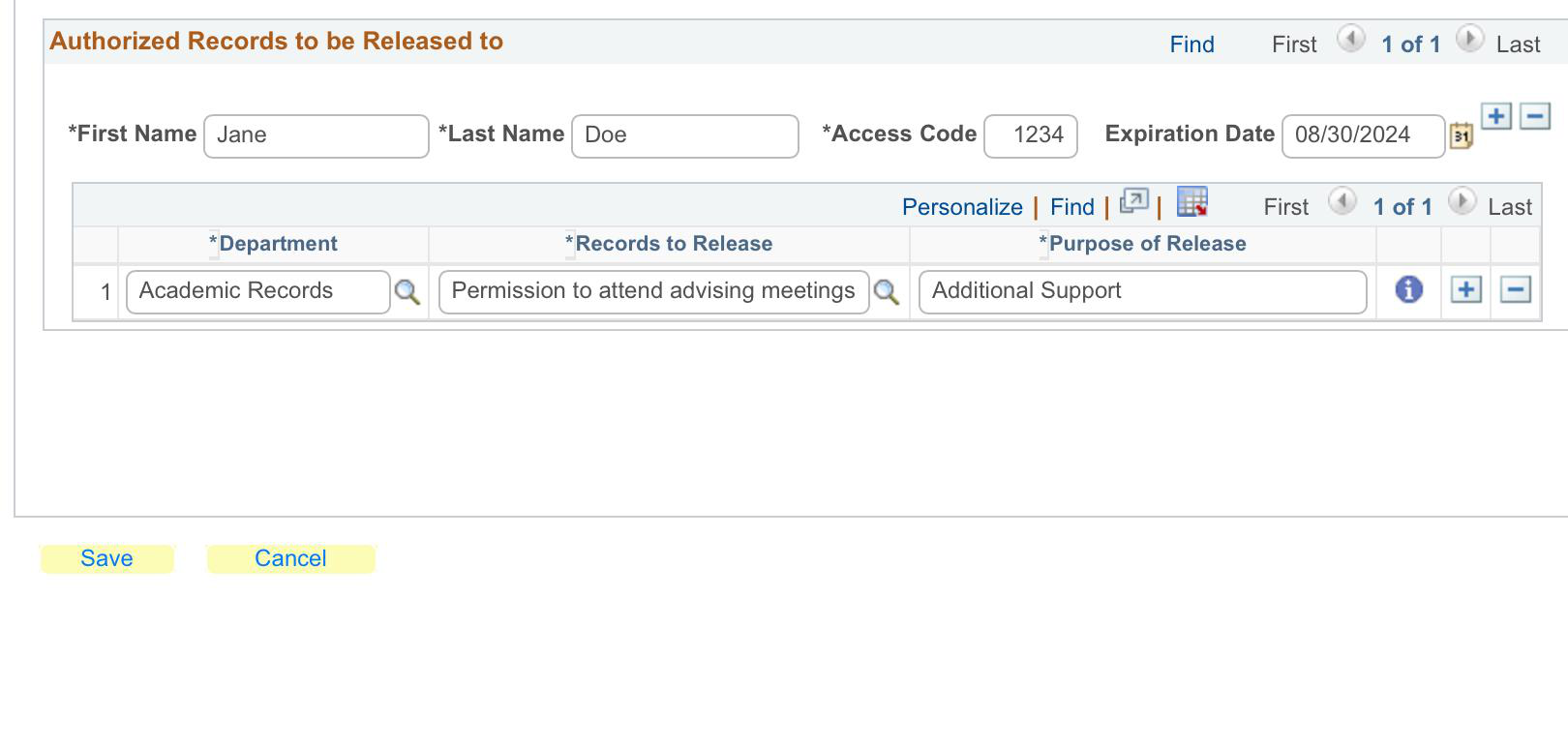
Enter FIRST and LAST Name of third-party designee and Create unique Access Code. In addition, provide an Expiration Date for the authorization. Lastly, Specify information authorized for the release to third-party designee.
Once you have completed the form, please provide the “Access Code” to your Advisor when called for your appointment.
This PDF is provided as a print-only reference document and may not be fully accessible to users of assistive technology. For more information, please visit Title II Rule on Digital Accessibility page.