Uploading Time Log to Field Experience Binder
Open your Time Log and click on EXPORT

Select your time log template and click on EXPORT
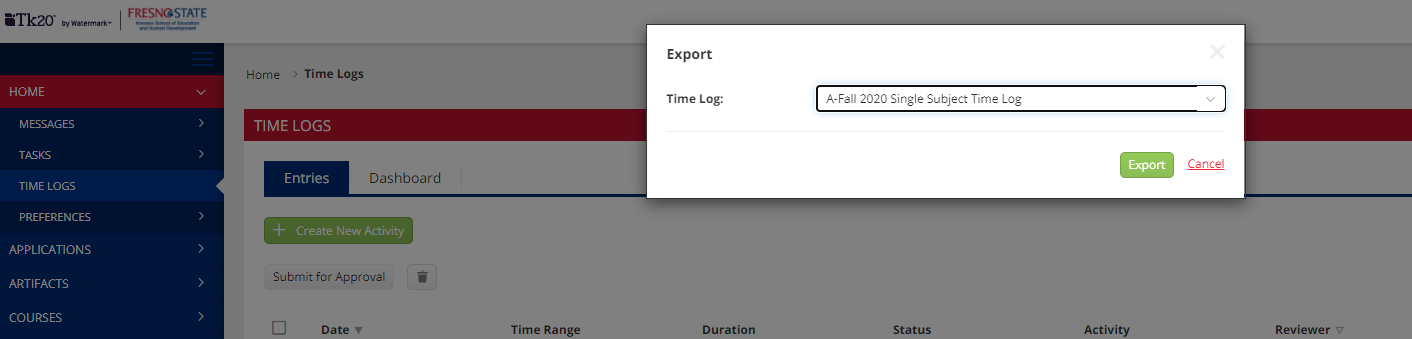
The EXPORT will download to EXCEL. Make sure to save to your desktop.
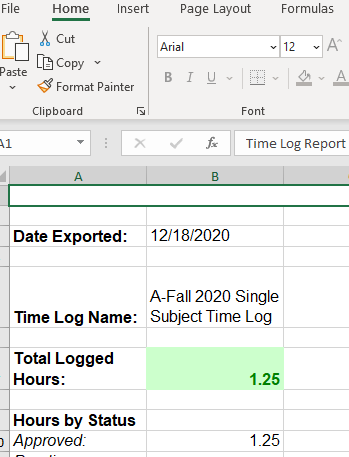
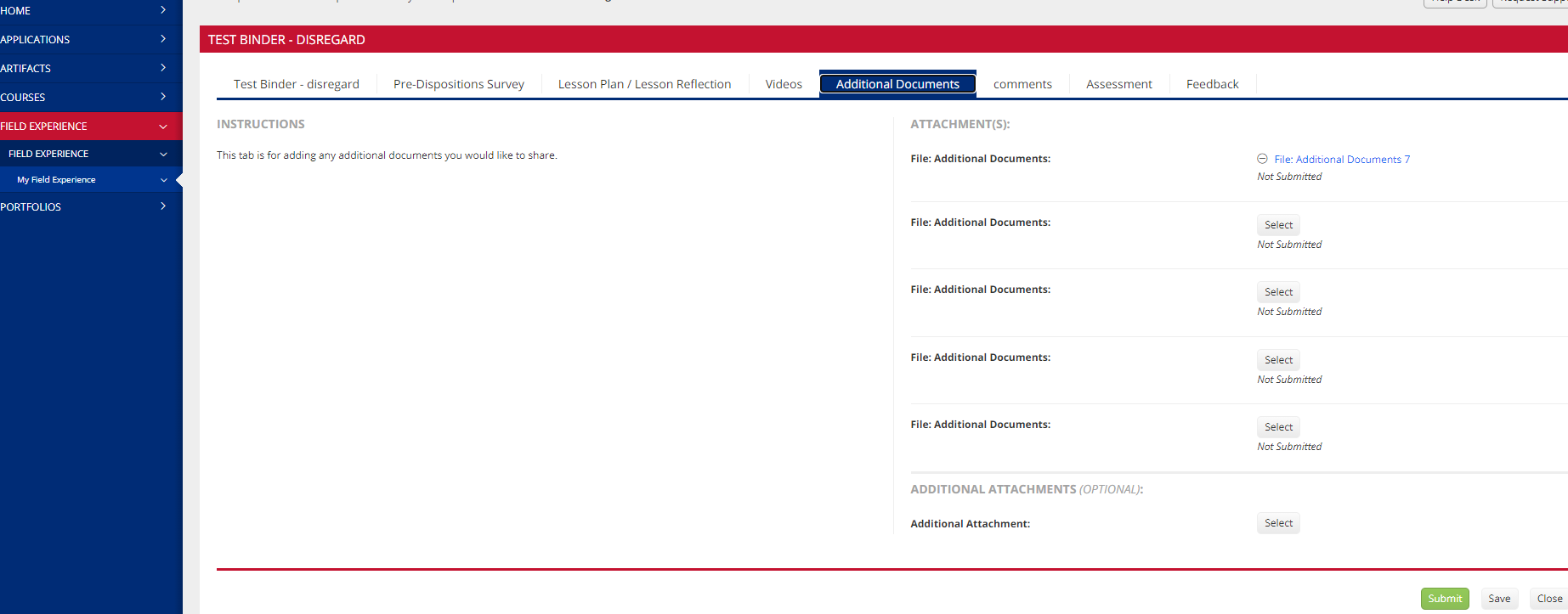
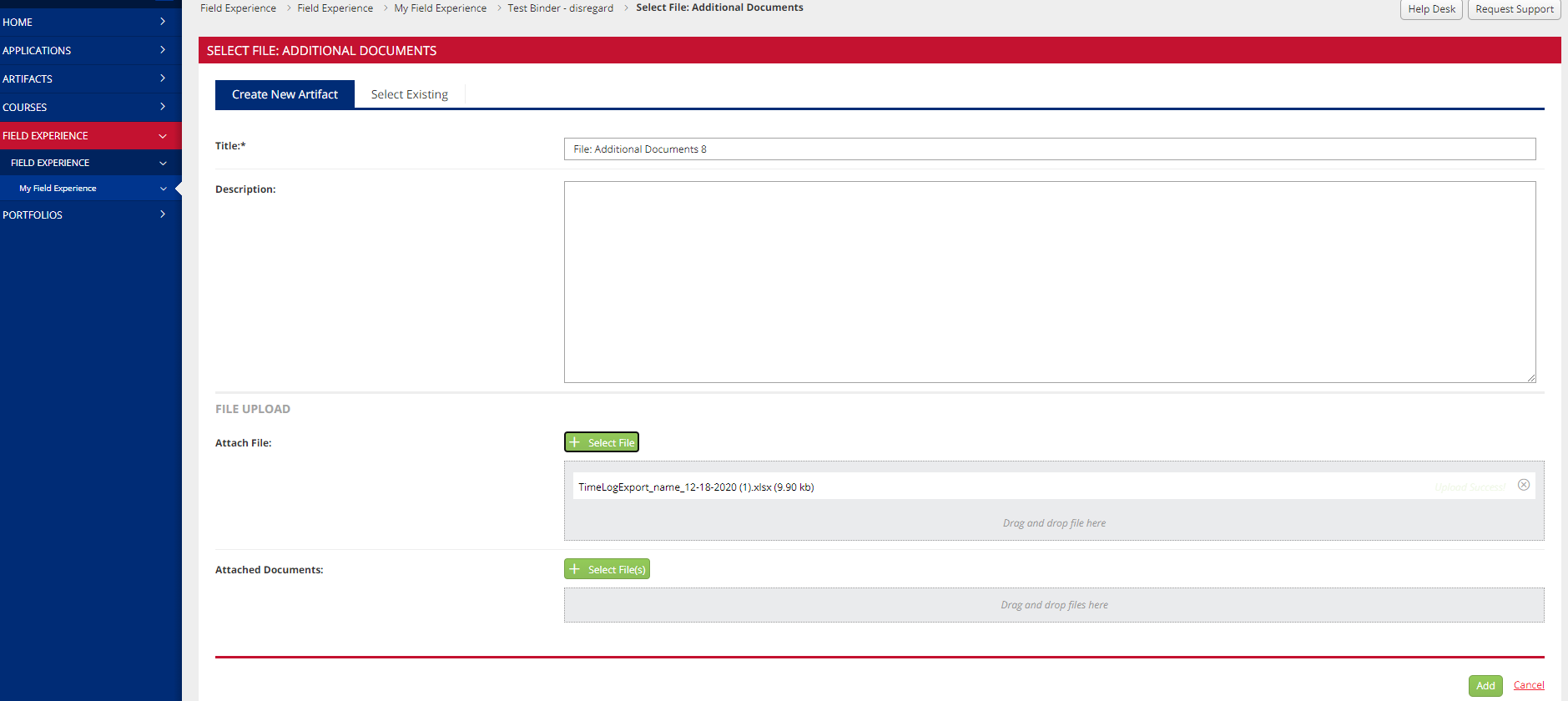
Once saved to your desktop, go to your binder and click on the ADDITIONAL DOCUMENT tab and click on SELECT
Click on ATTACH FILE or ATTACHED DOCUMENTS and select the EXCEL spreadsheet from your desktop.
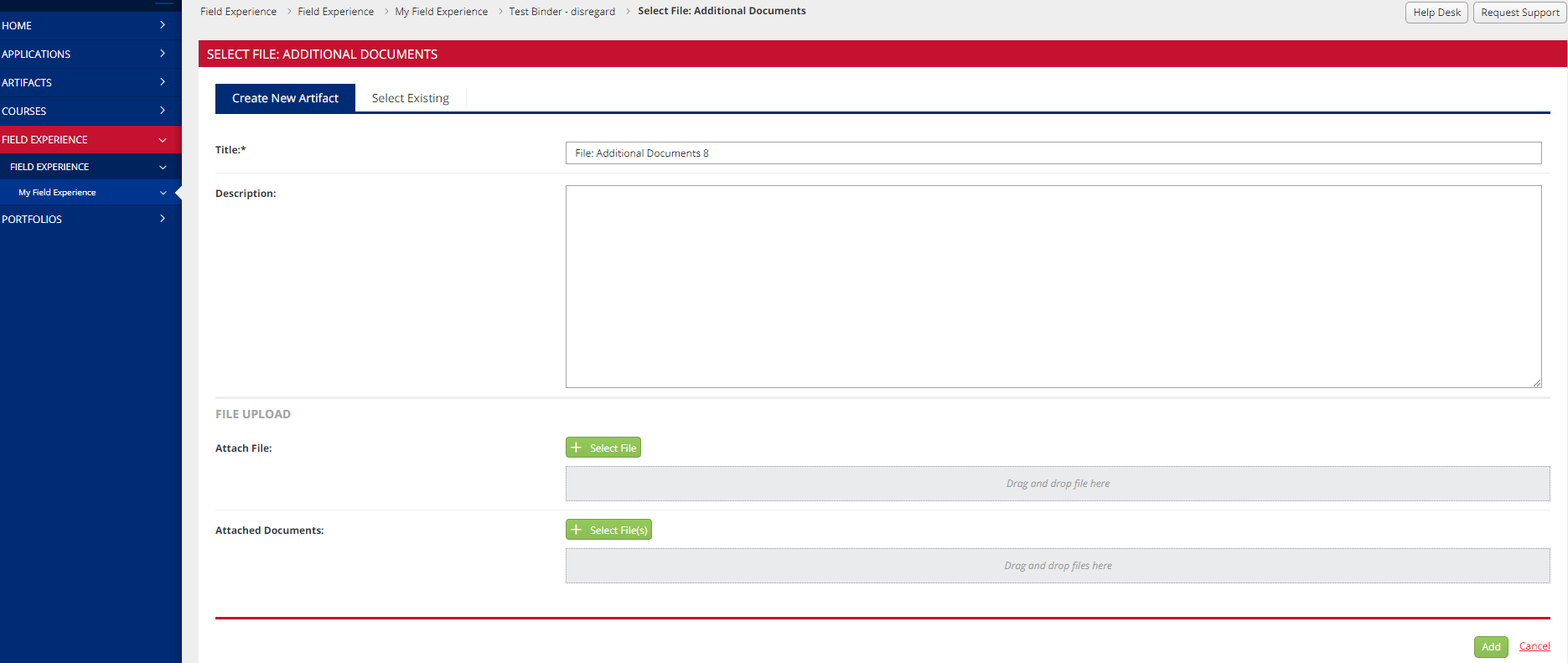
Click on ADD
This HTML version was generated with AI assistance and may contain errors or omissions. The original approved PDF remains the official document of record. An alternative accessible format is available upon request from the document creator in accordance with Title II of the ADA.